How To Change Your Java Game Version
Note: this only works for Java Edition
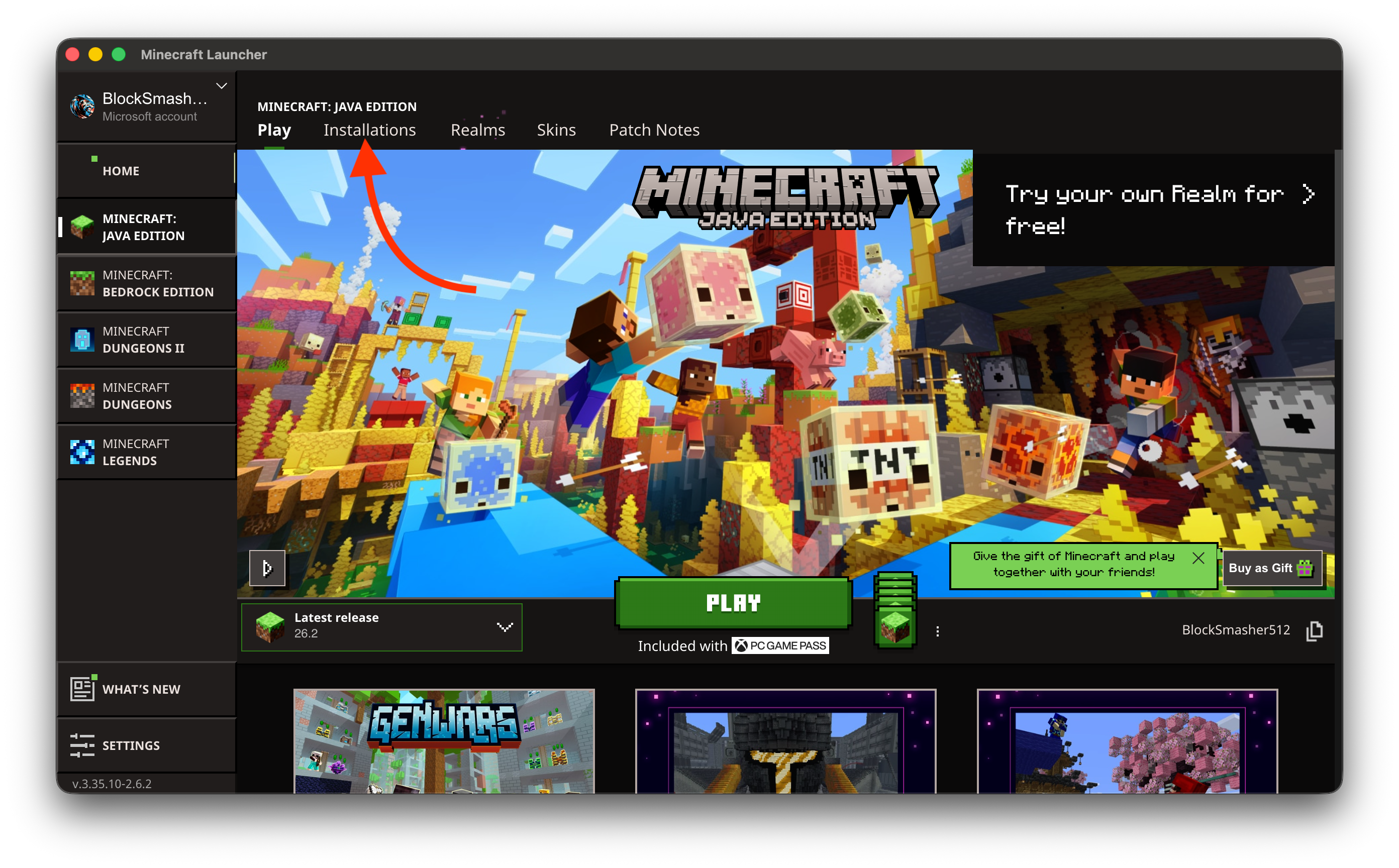
Step 1: Find Installations
Click on the installations tab in minecraft launcher
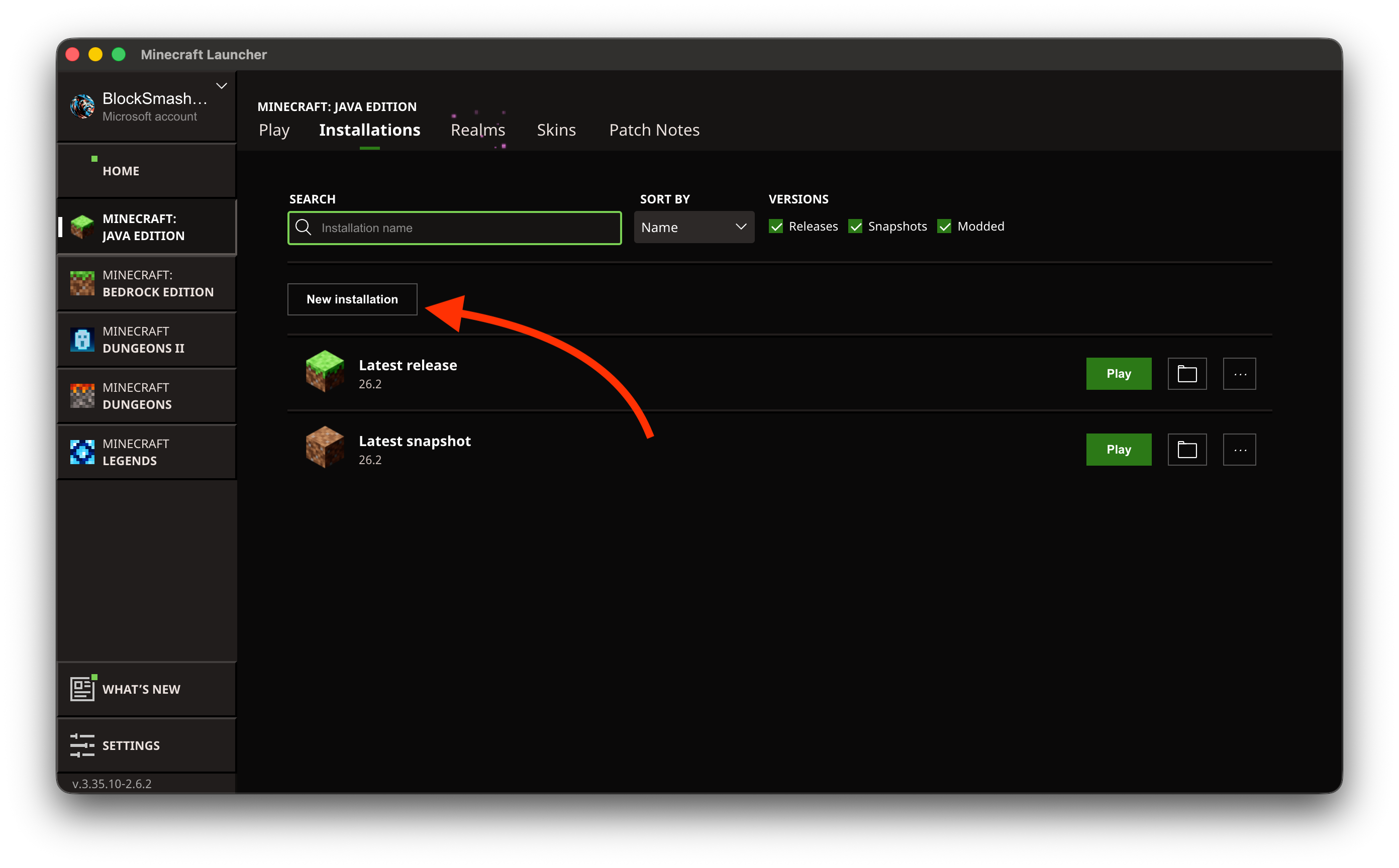
Step 2: New Installation
Click new installation towards the top of the window
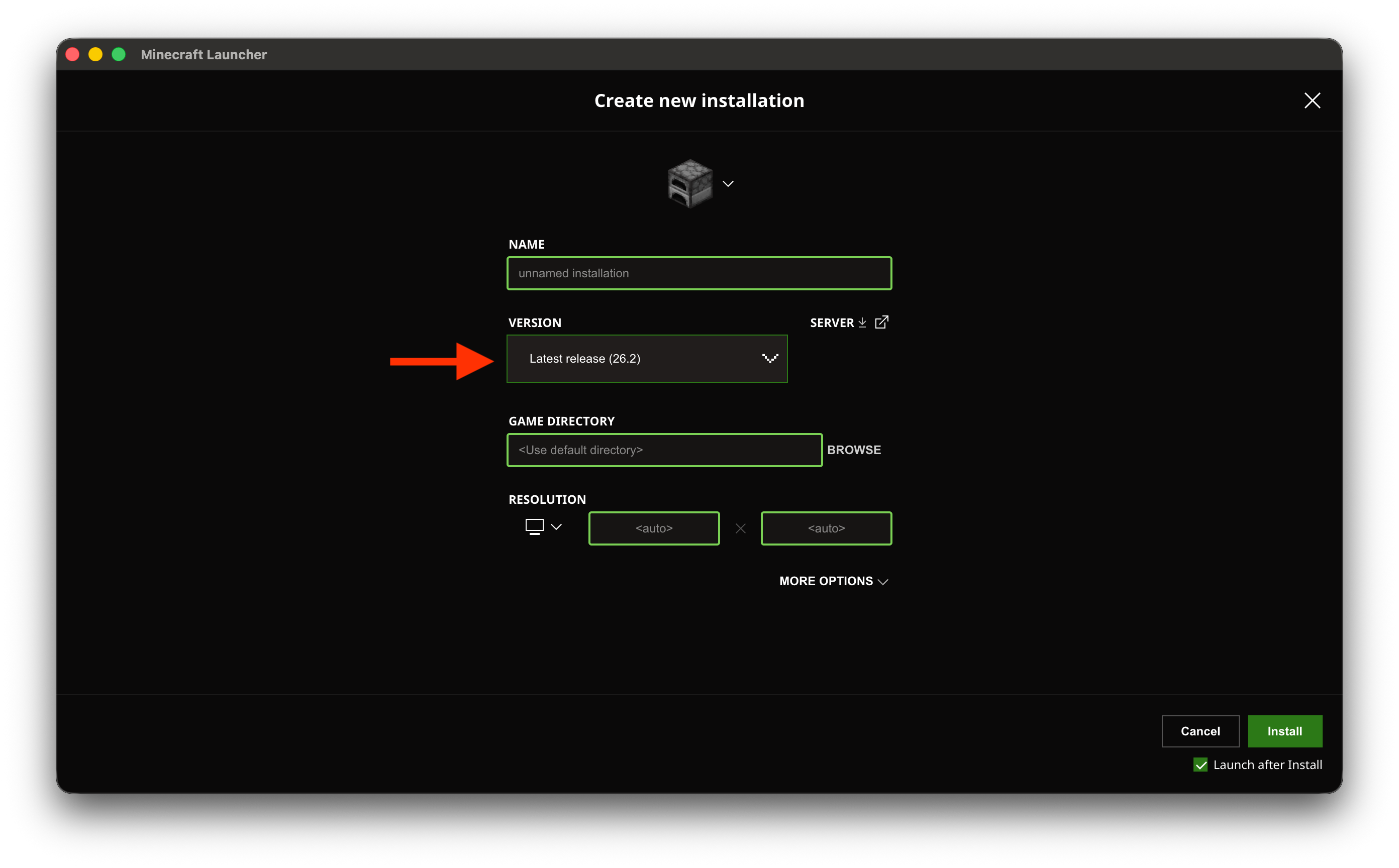
Step 3: Open Versions
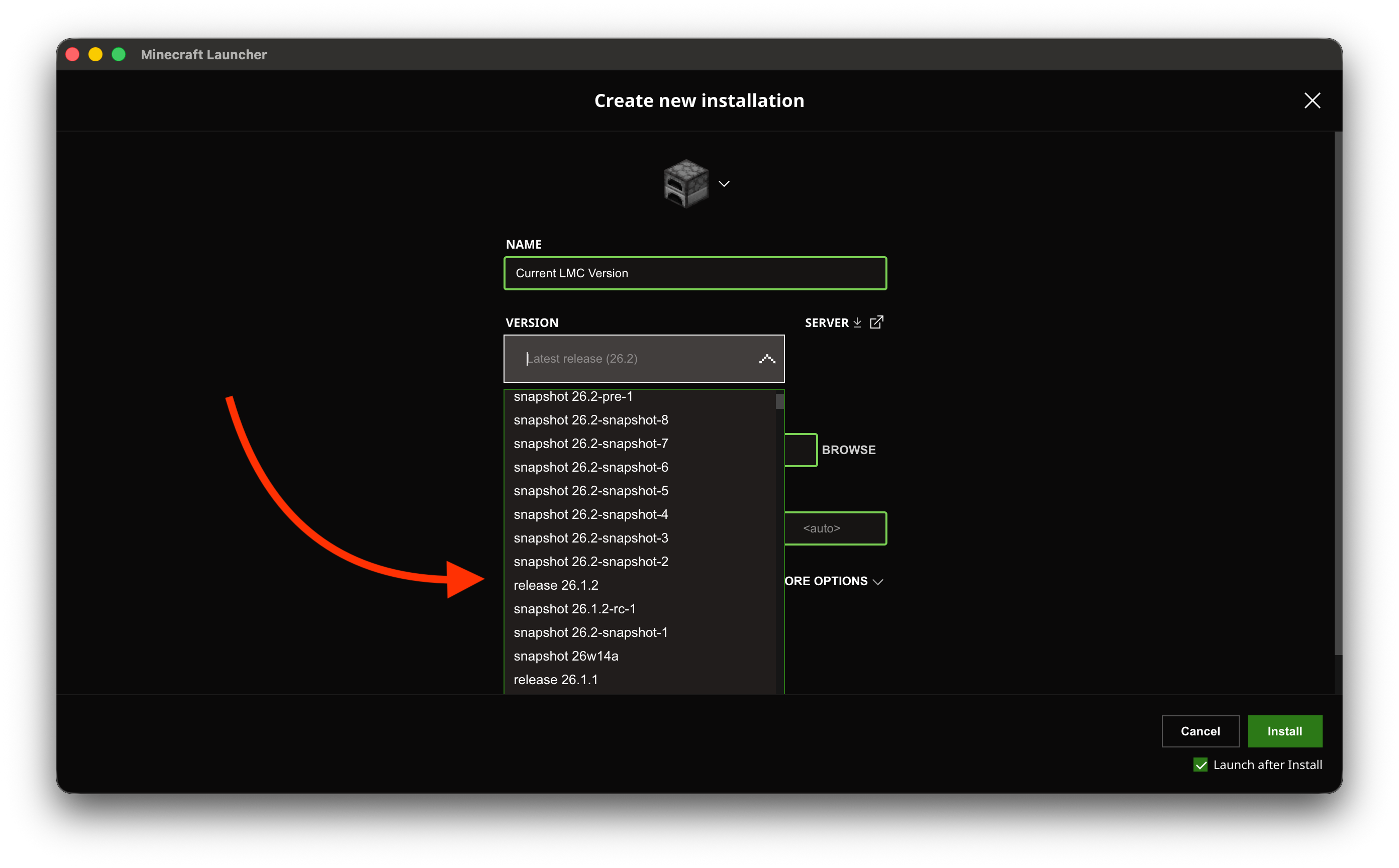
Click the version dropdown. Also fill in the name
Step 4: Choose Game Version
Choose the right release version for the server's version. Do not choose a snapshot
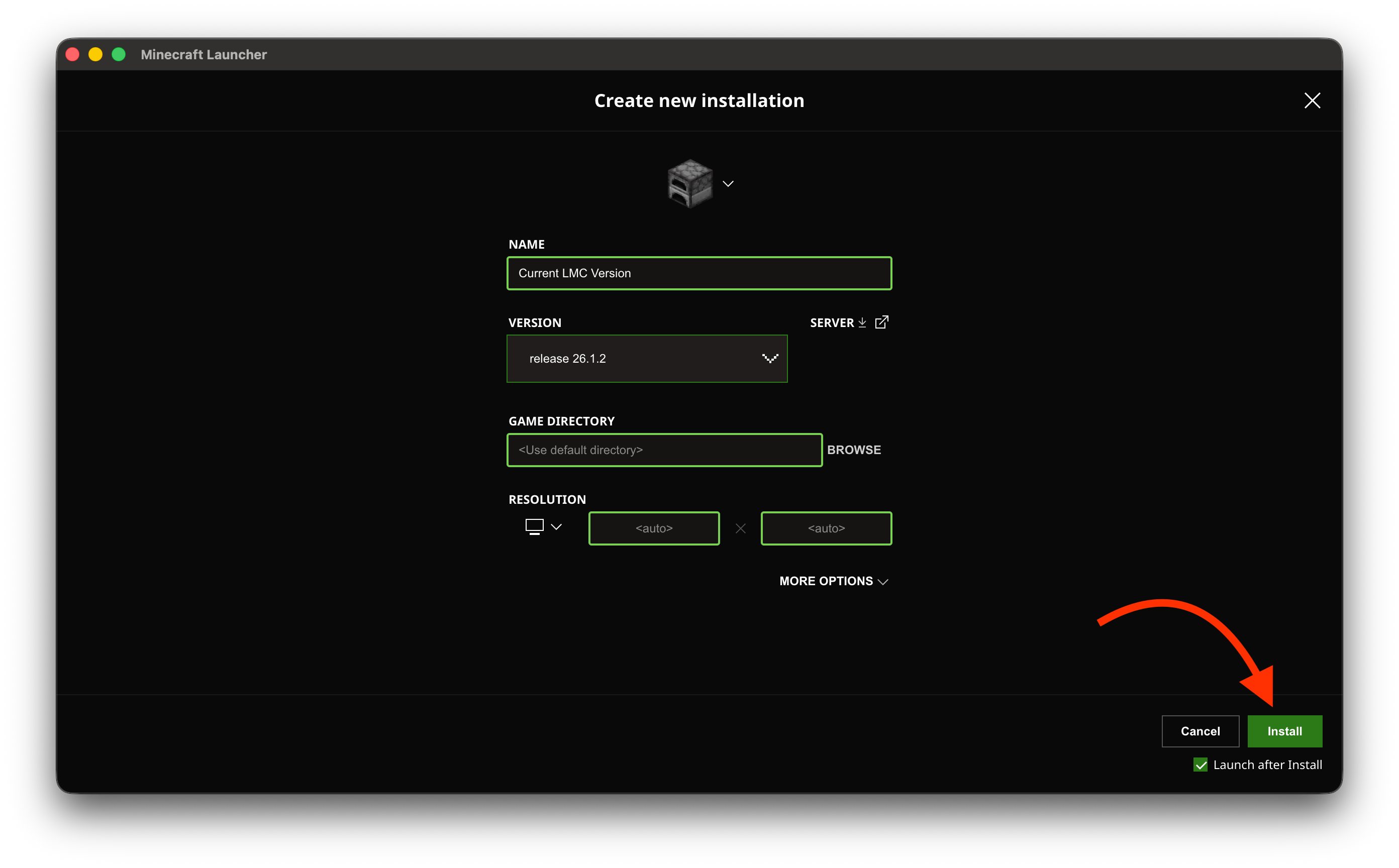
Step 5: Finish and Install
Click the install button in the bottom right